User authentication

3 min read
Feodor Fitsner
Flet founder and developer

User authentication in Flet is here! 馃帀

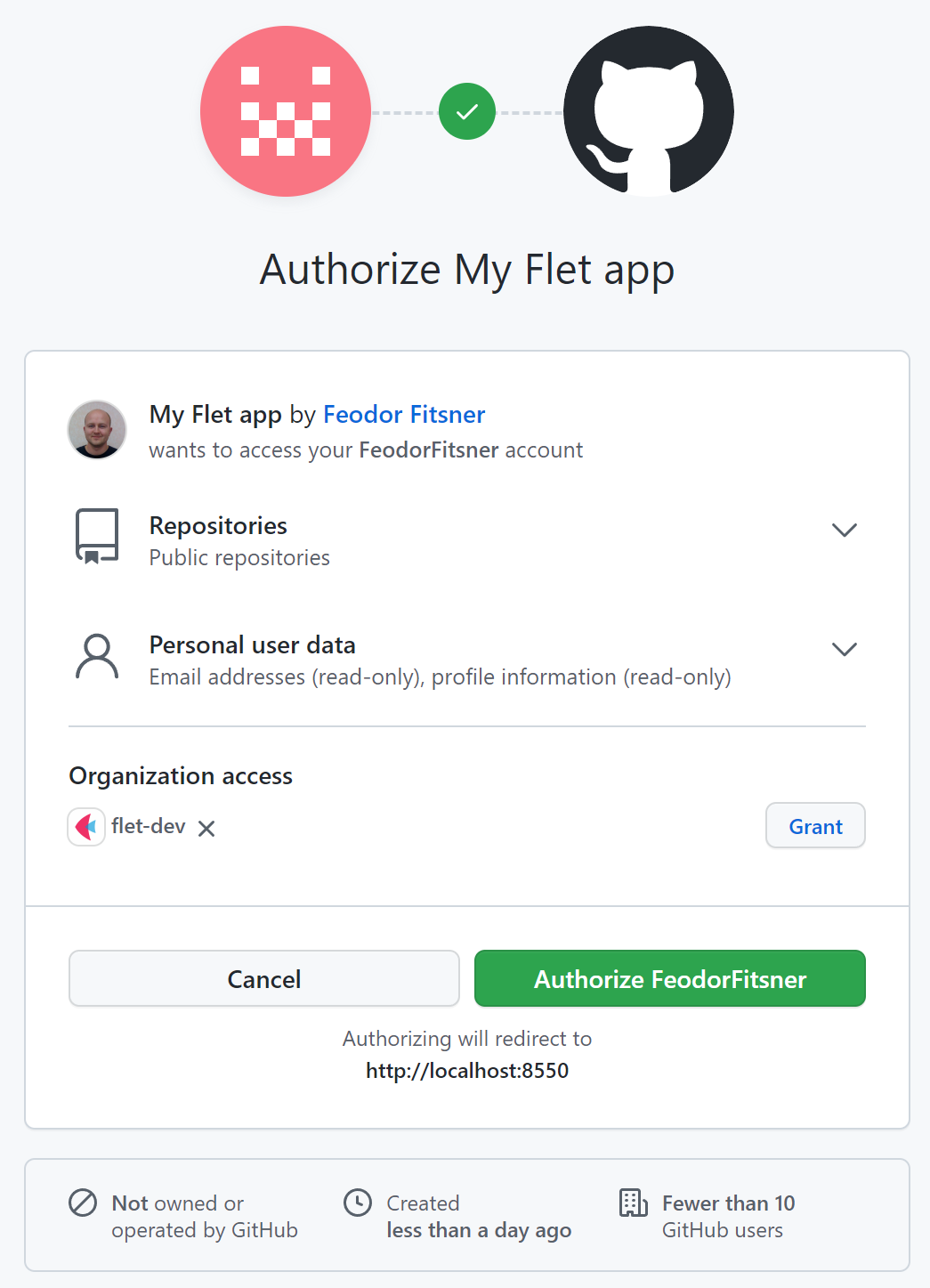
Now you can implement user authentication ("Login with X" buttons) in your Flet app using 3rd-party identity providers such as GitHub, Google, Azure, Auth0, LinkedIn and others:

Traditionally, this release is not just about authentication, but it adds a ton of accompanying functionality and small improvements:

File picker and uploads

4 min read
Feodor Fitsner
Flet founder and developer

Finally, File picker with uploads has arrived! 馃帀

File picker control opens a native OS dialog for selecting files and directories. It's based on a fantastic file_picker Flutter package.

It works on all platforms: Web, macOS, Window, Linux, iOS and Android.

Check out source code of the demo above.

File picker allows opening three dialogs:

  • Pick files - one or multiple, any files or only specific types.
  • Save file - choose directory and file name.
  • Get directory - select directory.

Fun with animations

2 min read
Feodor Fitsner
Flet founder and developer

Despite Flet release debuting animations support was released some time ago, we've just finished documenting its new features! We all know if the feature is not documented it just doesn't exist! 馃槈

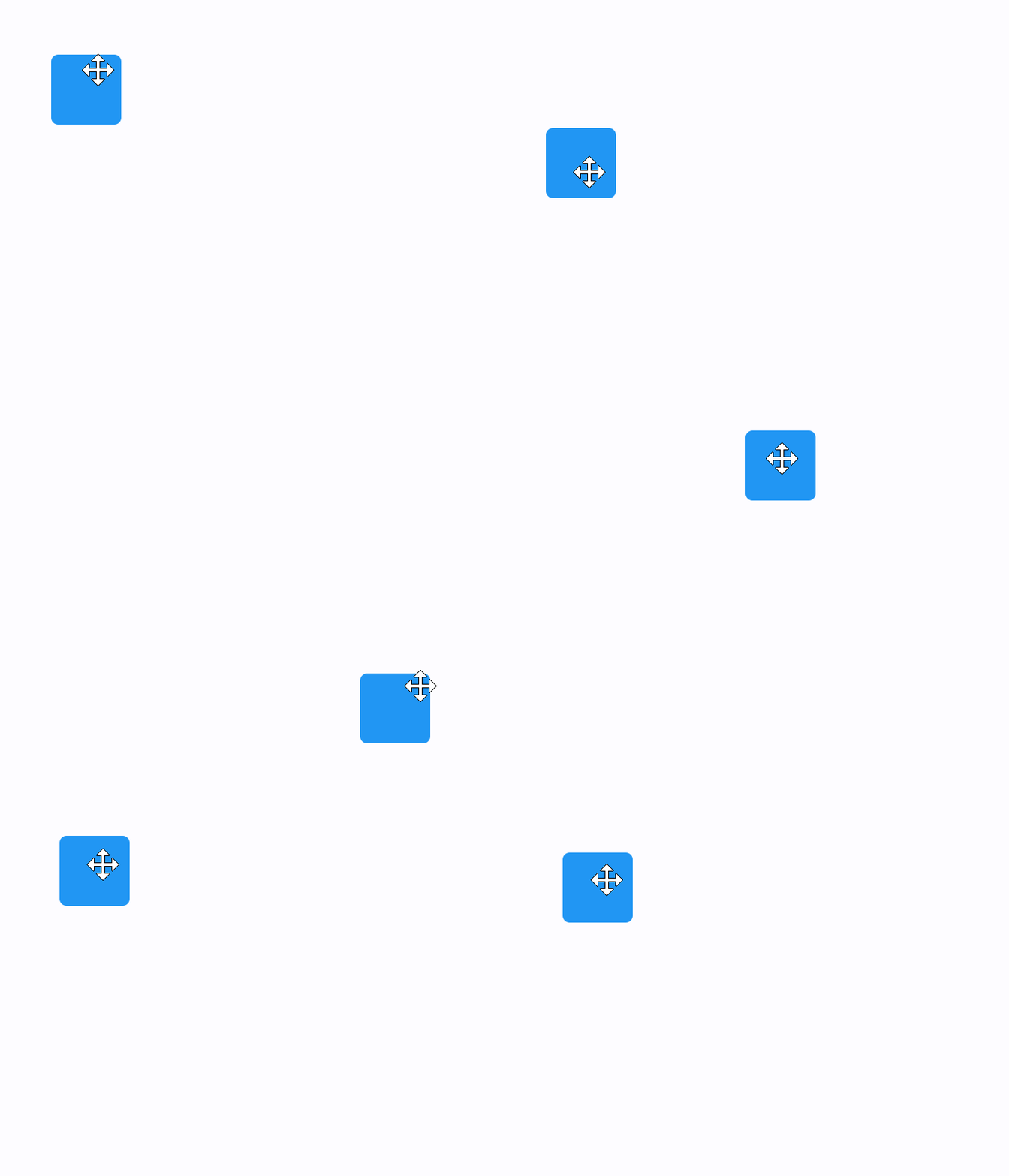
Flutter offers multiple approaches for creating animations such "implicit", "explicit", "tween", "stagered", "pre-canned" animations as well as displaying animation scenes prepared in Rive and Lottie editors.

We are starting with "implicit" animations which allows you to animate a control property by setting a target value; whenever that target value changes, the control animates the property from the old value to the new one.

Control Refs

3 min read
Feodor Fitsner
Flet founder and developer

Flet controls are objects and to access their properties we need to keep references (variables) to those objects.

Consider the following example:

import flet as ft

def main(page):

first_name = ft.TextField(label="First name", autofocus=True)
last_name = ft.TextField(label="Last name")
greetings = ft.Column()

def btn_click(e):
greetings.controls.append(ft.Text(f"Hello, {first_name.value} {last_name.value}!"))
first_name.value = ""
last_name.value = ""
page.update()
first_name.focus()

page.add(
first_name,
last_name,
ft.ElevatedButton("Say hello!", on_click=btn_click),
greetings,
)

ft.app(target=main)

In the very beginning of main() method we create three controls which we are going to use in button's on_click handler: two TextField for first and last names and a Column - container for greeting messages. We create controls with all their properties set and in the end of main() method, in page.add() call, we use their references (variables).

When more and mode controls and event handlers added it becomes challenging to keep all control definitions in one place, so they become scattered across main() body. Glancing at page.add() parameters it's hard to imagine (without constant jumping to variable definitions in IDE) what would the end form look like:

    page.add(
first_name,
last_name,
ft.ElevatedButton("Say hello!", on_click=btn_click),
greetings,
)

Is first_name a TextField, does it have autofocus set? Is greetings a Row or a Column?